# Sugar 二期RFID感應模組

<figure><img src="https://879637118-files.gitbook.io/~/files/v0/b/gitbook-x-prod.appspot.com/o/spaces%2F6uJvpXC43onNIIwhMlWo%2Fuploads%2FR4CJEbLtDiMzAZHEYviY%2Frfid.png?alt=media&#x26;token=330c274b-2fbd-4ac2-a569-b555fb6d1e04" alt=""><figcaption></figcaption></figure>

這是一個RFID感應模組，可以對RFID卡進行讀取和寫入資料的操作。

## 產品參數：

* 操作電壓：3.3\~5V
* 尺寸：40 x 40 x 17 mm
* 類型：I2C 模組

## 產品接線

#### Robotbit EDU

<figure><img src="https://879637118-files.gitbook.io/~/files/v0/b/gitbook-x-prod.appspot.com/o/spaces%2F6uJvpXC43onNIIwhMlWo%2Fuploads%2FdRtq2WOkt0FDDoGQKNv9%2Frfid_wiring_edu.png?alt=media&#x26;token=cbc6cbfb-6d6a-45ca-8291-8380b1e3b532" alt=""><figcaption></figcaption></figure>

#### Robotbit 2.2

<figure><img src="https://879637118-files.gitbook.io/~/files/v0/b/gitbook-x-prod.appspot.com/o/spaces%2F6uJvpXC43onNIIwhMlWo%2Fuploads%2FfS3hFyORIR2F7AC8BJfd%2Frfid_wiring_2.2.png?alt=media&#x26;token=1451c5c7-dae3-4426-bb2f-0e5d8ba598d8" alt=""><figcaption></figcaption></figure>

## 參考程式

#### MakeCode編程教學

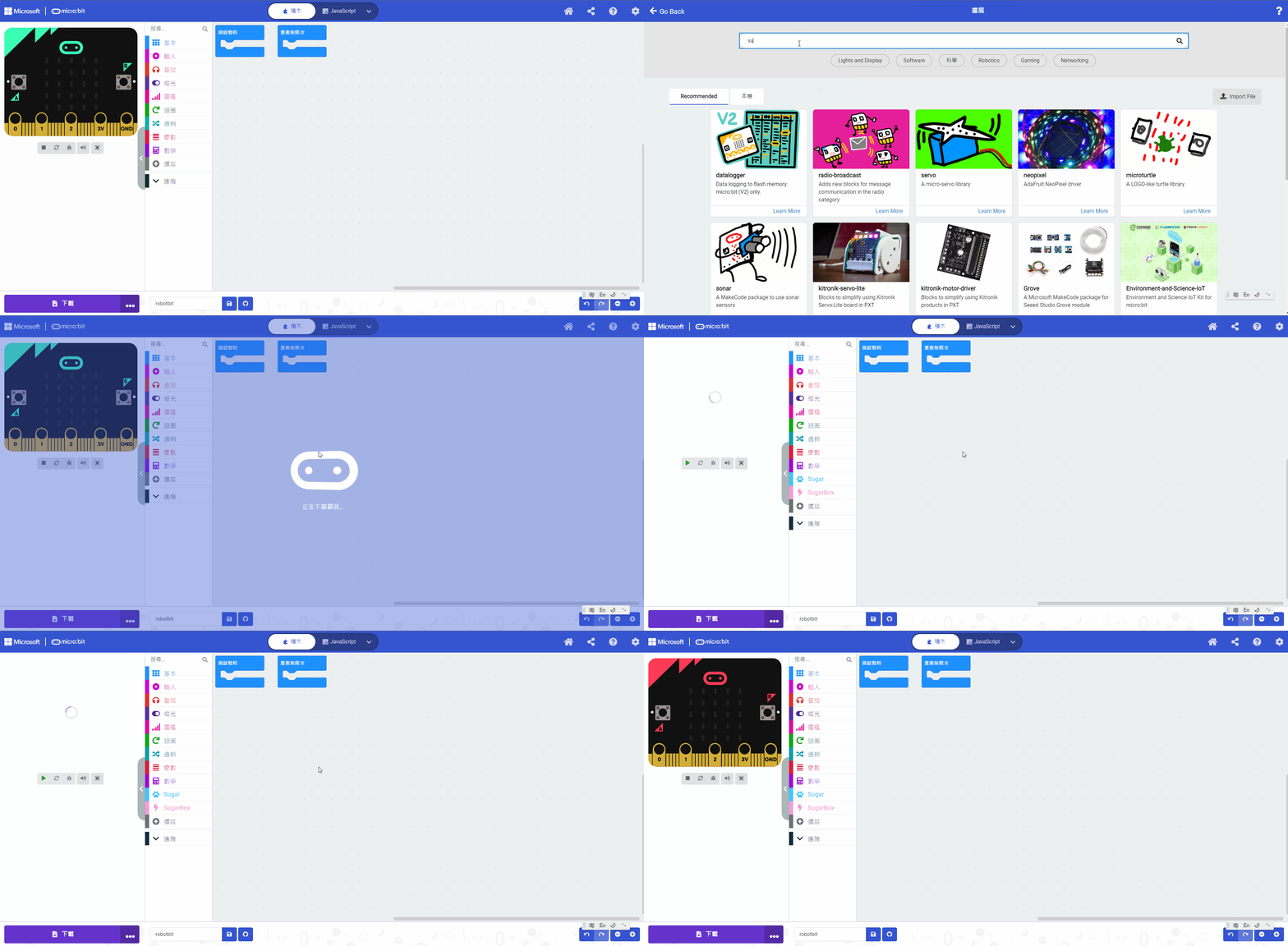
#### 加載Sugar插件：

#### 在擴展頁直接搜尋sugar (sugar已經過微軟認證，可以直接搜尋)

![](https://kittenbothk.readthedocs.io/en/latest/_images/sugar_search.gif)

#### 你亦可以用插件地址搜尋

Sugar插件：<https://github.com/KittenBot/pxt-sugar>

#### [詳細方法](https://sharinghub.kittenbot.hk/programmingplatforms/makecode/kittenbotandmakecode)

讀取卡片UUID

{% embed url="<https://makecode.microbit.org/_cq7TUb2cwMKT>" %}

[參考程式](https://makecode.microbit.org/_cq7TUb2cwMKT)

寫入與讀取數據

{% embed url="<https://makecode.microbit.org/_cMEM25YH24uo>" %}

[參考程式](https://makecode.microbit.org/_MojJEjWVoEMV)


---

# Agent Instructions: Querying This Documentation

If you need additional information that is not directly available in this page, you can query the documentation dynamically by asking a question.

Perform an HTTP GET request on the current page URL with the `ask` query parameter:

```
GET https://sharinghub.kittenbot.hk/functional_modules/sugar/rfid.md?ask=<question>
```

The question should be specific, self-contained, and written in natural language.
The response will contain a direct answer to the question and relevant excerpts and sources from the documentation.

Use this mechanism when the answer is not explicitly present in the current page, you need clarification or additional context, or you want to retrieve related documentation sections.