# Jacdac旋鈕鍵

<br>

<figure><img src="https://kittenbothk.readthedocs.io/en/latest/_images/rotary1.png" alt=""><figcaption></figcaption></figure>

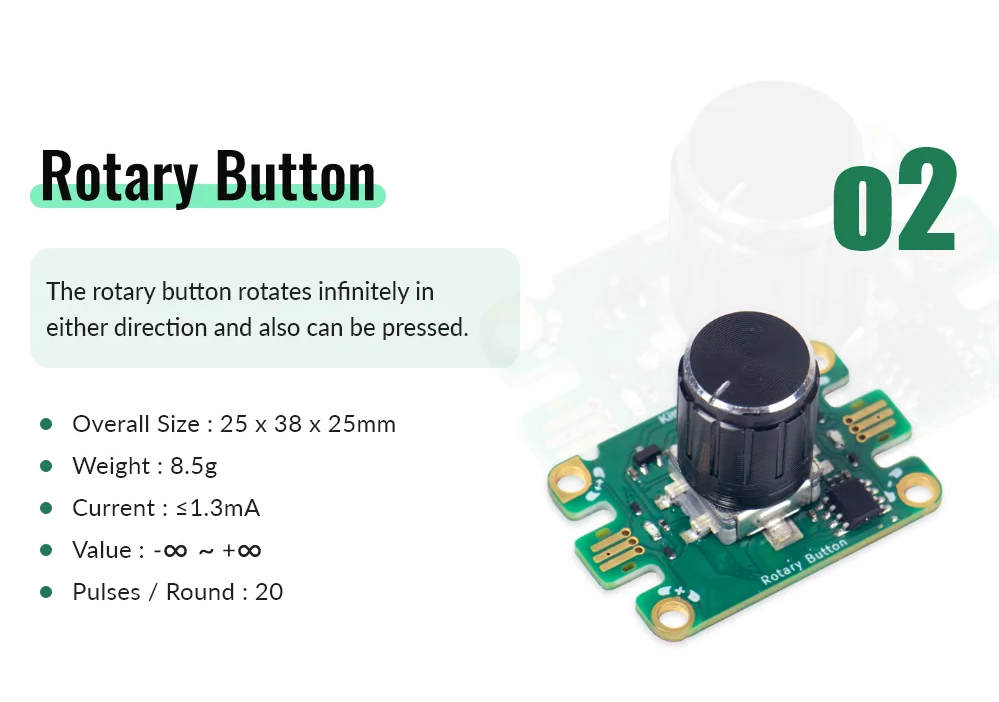
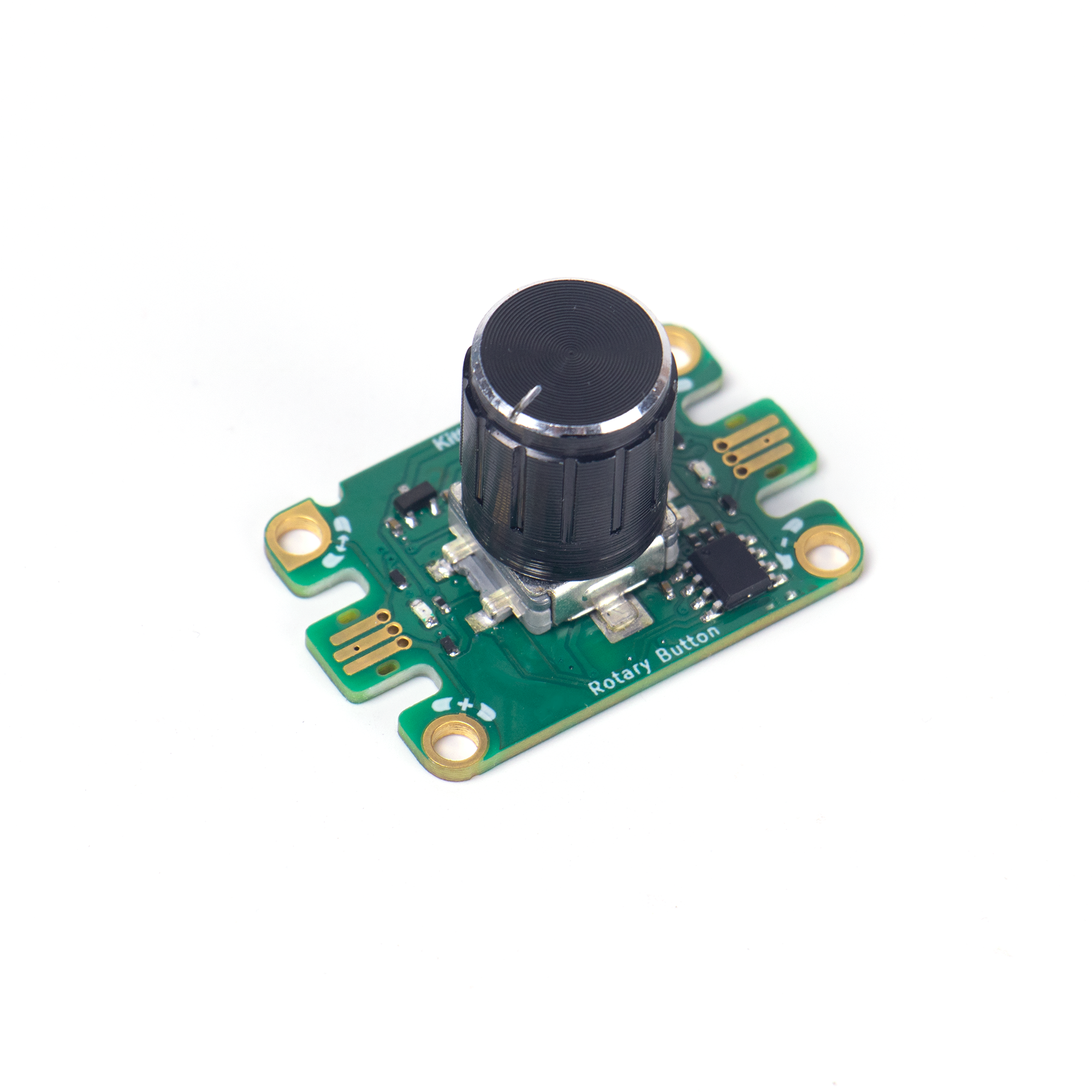
這是一個旋鈕鍵，它的旋轉沒有限制，而且支援的數值是無限。模組亦帶有按鍵可以使用。

### 產品參數

![](https://kittenbothk.readthedocs.io/en/latest/_images/rotary2.png)

### 連接教學

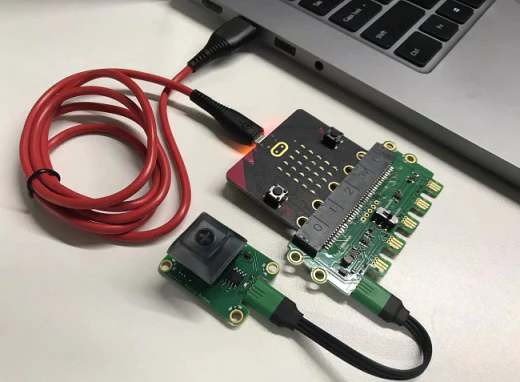
![](https://kittenbothk.readthedocs.io/en/latest/_images/button31.png)

### MakeCode編程教學

![](https://kittenbothk.readthedocs.io/en/latest/_images/mcbanner16.png)

#### 參考程式

{% embed url="<https://makecode.microbit.org/_W0aJ6eaJtdyo>" %}

按下按鍵Micro:bit會顯示旋鈕值。

[參考程式](https://makecode.microbit.org/_W0aJ6eaJtdyo)

---

# Agent Instructions: Querying This Documentation

If you need additional information that is not directly available in this page, you can query the documentation dynamically by asking a question.

Perform an HTTP GET request on the current page URL with the `ask` query parameter:

```
GET https://sharinghub.kittenbot.hk/jacdac/hardwares/starterkita/rotary.md?ask=<question>
```

The question should be specific, self-contained, and written in natural language.
The response will contain a direct answer to the question and relevant excerpts and sources from the documentation.

Use this mechanism when the answer is not explicitly present in the current page, you need clarification or additional context, or you want to retrieve related documentation sections.