# 人面辨識保險箱

透過人面識別技術,系統只會讓經認證過的人打開保險箱。
### 組裝說明書下載
[組裝說明書下載](https://drive.google.com/drive/folders/1wg_edUZFrqyUONA0FJ6vFBkGArRsfnf4?usp=sharing)
### 參考程式
{% file src="/files/RjPYQH3H32kLCt3Iq3a5" %}
### 應用玩法
{% hint style="info" %}
這應用需要使用Token。
{% endhint %}
1. 首先建立人面資料庫
2. 輸入人面名稱和建立一個獨特的組別名稱
3. 將人面放在鏡頭前,按空白鍵,程式就會進行人面辨識,將所辨識到的人面特徵儲存到資料庫
4. 將人面資料庫名稱填入程式
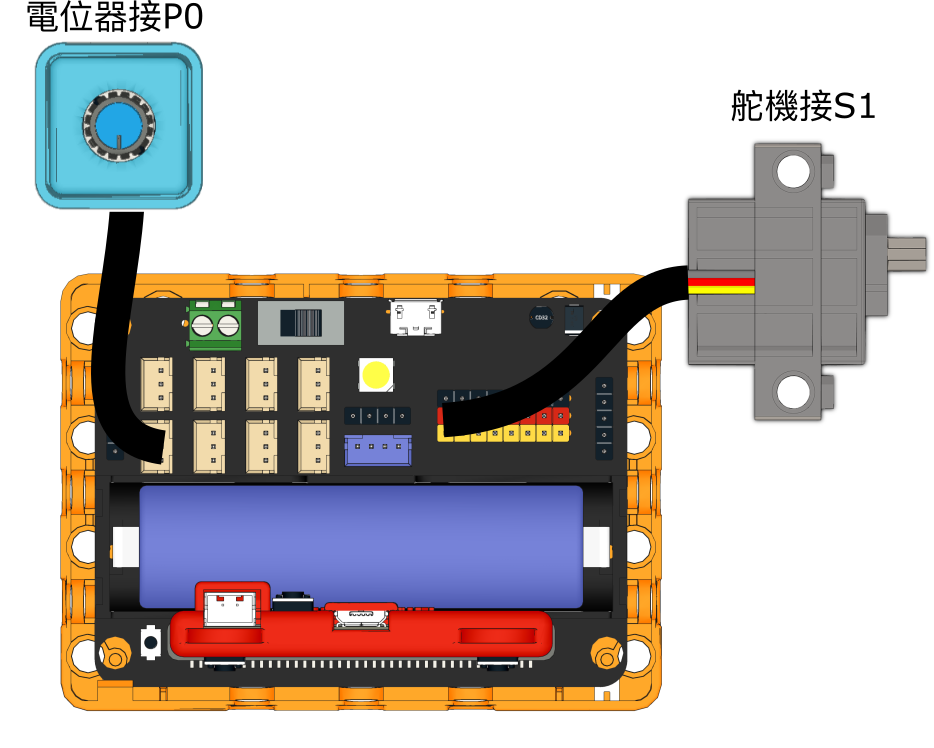
5. 連接好Micro:bit和打開Robotbit電源
6. 點擊綠色旗啟動程式
7. 當超聲波感應器感應到5cm距離內有物件,系統就會進行人面辨識
8. 假如辨識到的人面已經在資料庫裡面,系統就會打開夾萬門
9. 按下Sugar按鍵關上鎖
10. 假如辨識到的人面不在資料庫裡面,系統就會發出警報
---
# Agent Instructions: Querying This Documentation
If you need additional information that is not directly available in this page, you can query the documentation dynamically by asking a question.
Perform an HTTP GET request on the current page URL with the `ask` query parameter:
```
GET https://sharinghub.kittenbot.hk/kits/inventorkit/kittenblockai/safe.md?ask=
```
The question should be specific, self-contained, and written in natural language.
The response will contain a direct answer to the question and relevant excerpts and sources from the documentation.
Use this mechanism when the answer is not explicitly present in the current page, you need clarification or additional context, or you want to retrieve related documentation sections.